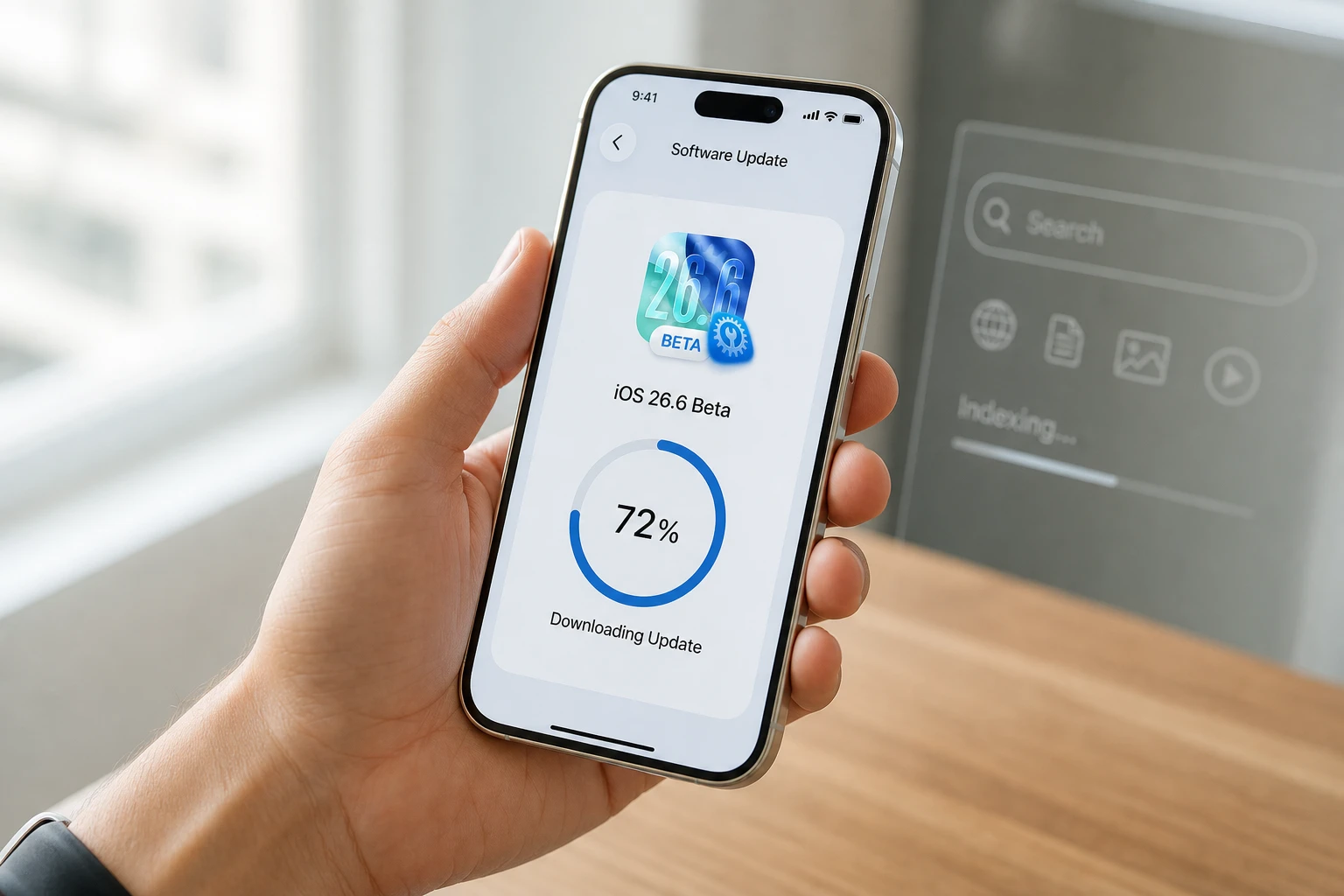
Apple began rolling out iOS 26.6 on July 27, 2026, to iPhone 11 and later. The release notes call it a package of bug fixes, security updates, and Spotlight index work that prepares devices for iOS 27.
That last clause is the sleeper. While the visible additions stay modest, the background indexing now under way decides how quickly personal Siri AI will answer questions about your own messages, mail, and notes the day the big upgrade lands this fall.
In practice the update splits into two tracks that run at once. One track is the familiar security and stability pass that closes known holes and polishes daily annoyances. The other is quieter infrastructure work that only pays off when iOS 27 arrives. Both tracks reach every supported iPhone, yet only one of them unlocks the full personal assistant experience on the newest hardware.
The Spotlight Work Happening While You Sleep
Apple’s own notes state the update “optimizes the Spotlight index to prepare for iOS 27.” Early iOS 27 beta testers watched “Optimizing Search and Siri” bars run for days or more than a week. The semantic index stores meaning-based vectors of data from apps, messages, emails, notes, calls, and more so Siri can answer natural questions such as a restaurant a friend mentioned last month.
iOS 26.6 starts that heavy lifting now. When September arrives the index needs only an incremental refresh that developers report finishes in hours rather than a fresh multi-day build. All supported iPhones receive the indexing improvements. The complete personal Siri AI experience stays limited to Apple Intelligence devices, the iPhone 15 Pro and newer.
- Indexing start: begins in background after iOS 26.6 install
- iOS 27 day-one gain: hours of incremental work instead of days or a week
- Full Siri AI hardware: iPhone 15 Pro and later only
- Data scope: messages, mail, notes, calls, app content exposed via schemas
The mechanism is straightforward. Each piece of personal content is turned into a vector that captures meaning rather than exact keywords. Once those vectors exist, a natural-language question can match against them without a full re-scan of every message and note. Building the first complete set is the expensive step. Keeping it current is comparatively cheap.
Users already on the iOS 27 public beta already testing Siri AI have seen the same indexing step after almost every beta drop. Starting it on the stable branch now simply gives the process a quieter window.
That quieter window matters for battery and heat. Overnight charging gives the indexer long stretches of power and thermal headroom. Daytime use on a busy phone can stretch the same work across many more sessions. The beta pattern already showed that patience after install is the practical way to finish the job with less friction.
Security Patches Close 87 Separate Holes
The security payload is large. Apple’s advisory lists 78 vulnerability entries tied to 87 CVEs. None are described as under active exploitation. High-impact items include kernel memory issues, sandbox escapes, and image-processing flaws that could lead to code execution.
| Area | Impact example | Fix type |
|---|---|---|
| AVEVideoEncoder | Arbitrary code with kernel privileges | Buffer overflow bounds |
| ImageIO | Code execution via crafted image | Integer overflow validation |
| Game Center / libc | Sandbox escape | Path and data protection |
| CloudAttestation | Code-signing bypass | Input sanitization |
| WebKit | Memory exposure, iframe sandbox break | Multiple checks |
| Accessibility | Data leak via iPhone Mirroring | State management |
More than a dozen kernel issues and a sizable WebKit collection sit in the same release. Installing the update is the practical way to close the window.
Kernel and image-processing flaws deserve special weight because they sit close to the trust boundary. A crafted image or a media path that reaches kernel privileges can turn an ordinary share or download into a deeper compromise. Sandbox escapes and code-signing bypasses widen that risk by letting one bad process reach territory it should never touch.
The absence of active exploitation in the advisory is good news, yet it is also temporary news. Once patches ship, the details become easier for attackers to study. The gap between public release and widespread install is the window that matters most for ordinary users.
Three Small Features Users Will Notice
Beyond the invisible index work, iOS 26.6 surfaces three concrete changes.
- Malicious message detection: the system flags a message that could compromise privacy or security and offers to forward it to Apple so the company can improve protections for others.
- Blocked contacts limit alert: once the longstanding ceiling of 20,000 blocked contacts is hit, a clear “Blocked Contacts Limit Reached” notice appears and points users to Settings to prune the list.
- Bug fixes that matter daily: HealthKit blood-pressure identifier authorisation, garbled HDR screenshots shared in Messages, and corrupted stickers synced over iCloud.
The blocked-contacts ceiling has existed for years; the alert simply makes the silent limit visible. Most people will never hit 20,000 entries, yet heavy spam blockers and parents using Screen Time now receive a usable warning.
Malicious message detection adds a reporting path rather than a silent block. The system surfaces the risk and lets the user send the sample onward so protections can improve for everyone else. That design keeps the user in control while still feeding the wider defence effort.
The daily bug fixes target friction that shows up in ordinary use. Blood-pressure data that fails to authorise, HDR screenshots that arrive garbled, and stickers that corrupt in iCloud sync are the kind of defects people notice even when they cannot name the framework involved. Clearing them in a point release keeps the 26 cycle tidy before the larger jump.
Who Gets the Full Siri AI Payoff
Every iPhone that can run iOS 26.6 starts the Spotlight optimisation. Only devices with Apple Intelligence hardware, iPhone 15 Pro and newer with sufficient Neural Engine and RAM, unlock the complete personal Siri AI experience once iOS 27 ships. Older supported models still benefit from smoother general search and any non-AI Siri improvements that arrive.
| Device group | Spotlight index work | Full personal Siri AI |
|---|---|---|
| iPhone 11 through 15 (non-Pro) | Yes | No |
| iPhone 15 Pro and newer | Yes | Yes |
Apple’s own preview page notes Siri AI coming in English later this year. A separate expectation circulating among testers is a possible waitlist for full Siri AI access, similar to the staggered Apple Intelligence rollout. Pre-building the index now means that once a user clears any queue the assistant can draw on personal context immediately.
The hardware split is therefore not about whether the index exists. It is about whether the on-device models and memory budget can run the full personal reasoning stack against that index. Search still improves on older phones. The deeper “what did my friend say about dinner last month” style of answer stays tied to Apple Intelligence silicon.
Anti-Snatch Lock Code Is Present but Sleeping
What we know
- Code for automatic lock on sudden snatch motion appears across iOS 26.6 betas and the final build.
- Sensors under discussion include accelerometer force vector, gyroscope rotation, paired Apple Watch Bluetooth distance change, familiar Wi-Fi, and geofencing.
- When triggered it would engage Stolen Device Protection (biometrics for passwords and payments, delay on account changes).
What’s unconfirmed
- Whether an Apple Watch is required or the iPhone can run a reduced version alone.
- Exact ship date; it is not enabled in 26.6 and is widely expected with iOS 27 or a later point release.
- Final false-positive tuning for runners, cyclists, or casual hand-offs.
The feature remains invisible to users today. Its presence in the code simply signals Apple is preparing the next layer of physical-theft defence.
The sensor list points to a multi-signal trigger rather than a single motion threshold. Force, rotation, sudden distance change from a paired Watch, and context from Wi-Fi or geofencing can all feed the same decision. That approach aims to catch a snatch while limiting false locks during ordinary movement. Stolen Device Protection then becomes the enforcement layer once the lock fires, raising the bar for password and account changes.
How the Update Arrived and What People Are Reporting
The public release followed more than a month of betas that began in late May and an RC build (23G71) seeded July 20. Companion updates for iPadOS, macOS, watchOS, visionOS, and tvOS 26.6 shipped the same day. Installation path is the usual Settings > General > Software Update.
- May 26, 2026, first iOS 26.6 developer beta
- July 13-20, later betas and Release Candidate
- July 27, 2026, public rollout begins
On X, some users mention temporary battery drain or warmth while the new indexing runs in the background, a pattern already familiar from iOS 27 betas. A few isolated Face ID complaints appeared in the first 48 hours; most accounts simply note the update installed cleanly and highlight the security count. The practical advice circulating is to leave the phone on charge overnight after installing so the index can progress with minimal interruption.
Apple’s release notes on Spotlight index keep the language deliberately short. The longer technical story lives in the security document and in the quiet work the index performs while the phone sits on a nightstand.
iOS 26.6 is the last major tune-up of the 26 cycle. Install it for the patches today and for the smoother Siri AI hand-off that arrives with the next big release.
Why Apple Starts the Index Months Early
The calendar gap between late July and the fall iOS 27 launch is the point of the exercise. A multi-day index build that lands on upgrade day would collide with every other first-week task: restoring apps, re-authing accounts, and learning new interface pieces. Spreading that work across ordinary nights in August removes the collision.
Beta testers already lived through the longer path. Each new iOS 27 drop often restarted or extended the “Optimizing Search and Siri” phase. Moving the bulk of the work onto the stable 26.6 branch gives the same devices a calmer schedule and turns the September step into a short incremental refresh.
The data scope stays the same either way. Messages, mail, notes, calls, and schema-exposed app content still feed the vectors. The only change is when the heavy first pass runs. Starting now also means the index can absorb ordinary summer message and mail volume before the big release, so the day-one refresh has less new material to absorb.
- Stable-branch start avoids stacking index work on top of a major OS migration
- Overnight charging windows supply power and thermal room for vector building
- Incremental September refresh replaces a fresh multi-day build
- Personal context is ready if a Siri AI waitlist clears later
The Fall Upgrade Path After This Tune-Up
Once iOS 27 ships, devices that already ran 26.6 arrive with an index that needs only a light pass. Developers report that incremental work finishes in hours. Devices that skipped 26.6 would still build the same semantic store, only they would do it under the heavier conditions of a major upgrade week.
Security posture carries forward as well. The 87 CVEs closed in this release stay closed on the way into the next cycle. Users who install now shrink the exposure window before the larger feature drop draws attention and fresh scrutiny.
Companion 26.6 releases for iPadOS, macOS, watchOS, visionOS, and tvOS landed on the same day, so the wider Apple device set moves in step. Phone-side indexing remains the piece most tightly tied to personal Siri AI, yet the coordinated ship date keeps the rest of the stack current while that background work runs.
For anyone planning to adopt full personal Siri AI on supported hardware, the sequence is now clear: take 26.6, let the index finish on charge, then move to iOS 27 when it opens. Any later waitlist becomes a queue for model access rather than a second wait for local data preparation.
Frequently Asked Questions
Which iPhones can install iOS 26.6?
iPhone 11 and later models receive the update. The same cutoff applies to the security fixes and the Spotlight indexing work that prepares devices for iOS 27.
Does the Spotlight index run on phones that lack Apple Intelligence?
Yes. Every eligible iPhone builds or optimises the index. Only iPhone 15 Pro and newer unlock the full personal Siri AI features that rely on that index once iOS 27 ships.
Is the anti-snatch automatic lock enabled in iOS 26.6?
No. Code references exist in the build, but the feature is disabled and expected in a later release, most likely alongside or after iOS 27.
How many security issues does iOS 26.6 fix?
Apple’s document lists 78 vulnerability entries that map to 87 unique CVE numbers. None are listed as actively exploited in the wild at the time of release.
What is the blocked contacts limit that now triggers an alert?
The ceiling is 20,000 blocked contacts. Reaching it produces a system alert that directs the user to remove entries in Settings before adding more.