
Apple opened the first iOS 27 public beta on July 13, putting Siri AI in front of testers five weeks after the assistant debuted in the developer channel. Public testers still need to join a waitlist for the new assistant on most devices.
Apple is calling out apps launching up to 30 percent faster, photos appearing up to 70 percent faster, and AirDrop transfers completing up to 80 percent faster than on iOS 26, framing this build as much about speed as about AI.
Siri AI, Two Years Late and Still Waitlisted
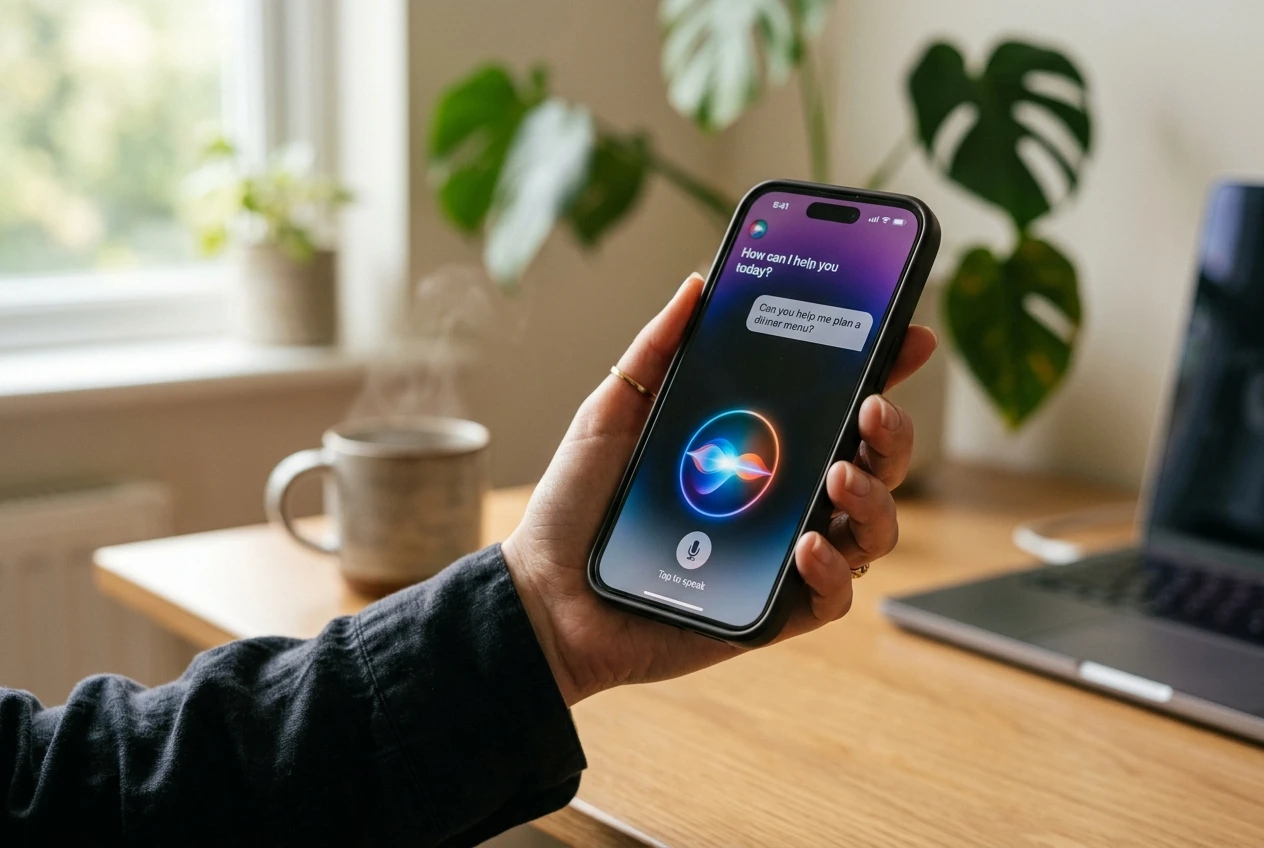
Siri AI is the marquee feature of iOS 27 and Apple’s first real swing at a conversational assistant with personal context awareness. The company says the new Siri can hold natural conversations, follow up on prior questions, read content on the user’s screen, and run multi-step actions inside other apps, as described in the Siri AI press release.
That promise has taken a long road to public hands. The waitlist itself is the most concrete reminder: in the early developer betas, testers had to sign up and hope for an invite before they could ask Siri AI a single question, and the first public beta carries the same flow. Mark Gurman, writing in his Power On newsletter and reported by Forbes, said he had run all three developer betas and that they felt noticeably snappier than their predecessors, a useful data point on stability rather than a Siri-specific endorsement. The earlier post on the Siri AI waitlist tracked the same rollout questions in the developer channel.
The regional limits are locked in. Apple confirms Siri AI will work in English first, will not be available in the EU on iPhone, iPad, and Apple Watch at launch, and will not be available in mainland China while Apple works through the regulatory path. Mac and Apple Vision Pro users in the EU can use Siri AI when the device is set to a supported language, per the WWDC 2026 platform overview.
The Speed Push Is the Real Headline
The numbers Apple printed about iOS 27 lean on the platform side, not the AI side. In one release-note paragraph the company listed three gains: apps open up to 30 percent faster, photos appear up to 70 percent faster after capture, and AirDrop completes transfers up to 80 percent faster than on iOS 26. Apple’s newsroom frames the broader iOS 27, iPadOS 27, macOS 27, watchOS 27, visionOS 27, and tvOS 27 lineup as improvements that elevate the software design and performance while pushing everyday tasks to feel faster and more reliable.
On Apple Vision Pro, connecting to Wi-Fi is up to 3x faster. On iPad, browsing and transferring files between an external drive and the tablet is up to five times faster, “just as fast as Finder on Mac.” That last figure lands as one of the larger iPad-to-Mac bridging numbers Apple has printed, and it pushes the hardest for the iPadOS 27 pitch to creative users moving large files on the go.
The iOS 27 public beta hands-on notes that early developer builds felt noticeably zippier on iPhone, though the writer stopped short of vouching for Apple’s specific percentages. The takeaway anyone running the build can repeat: iOS 27 lands closer to a foundation pass than a feature dump, the same framing Gurman used to describe a release focused on smoothness over novelty.
| Task | Apple’s iOS 27 claim |
|---|---|
| App launches on iPhone and iPad | Up to 30 percent faster |
| Photos loading after capture | Up to 70 percent faster |
| AirDrop transfers | Up to 80 percent faster |
| Apple Vision Pro Wi-Fi connect | Up to 3x faster |
| iPad to external SSD file transfer | Up to 5x faster |
Photos, Safari, Shortcuts and the Liquid Glass Course-Correction
Readers skipping AI get fresh tools too. Photos ships with three new editing moves: Spatial Reframing adjusts composition after the shot, Extend outcrops an image past its original edges, and a revamped Clean Up is better at wiping out unwanted objects. Image Playground now generates higher-quality images including photorealistic styles, closing a look-and-feel gap with desktop image tools.
Safari gets two workflow upgrades. It now organizes tabs into groups on its own and ships a Notify Me feature that watches a webpage for price changes or restocks. The Passwords app, which Apple broke out as a standalone product, can detect weak passwords and update them without leaving the app.
Shortcuts gains a natural-language mode alongside its existing visual canvas: a user describes what they want, and the app assembles the automation behind it. The shift gives Shortcuts a writing surface for automations alongside the original drag-and-drop flow, a quieter change with a wide reach for anyone who avoids the visual canvas.
Below those app-level changes sits a platform-level fix. iOS 27 addresses the readability complaints that hit last year’s Liquid Glass design overhaul with readability improvements and a slider to dial the effect’s strength up or down. The fix lands as a control surface, an acknowledgment that some users found the prior treatment harder to read at a glance.
macOS 27 Golden Gate, the Wrist, and the iPad’s Small Slice
Apple ships macOS 27 under the name Golden Gate and treats Siri AI as the headline Mac productivity story. The assistant can be summoned from Spotlight, can analyze on-screen content, and can draft or rewrite text in any active document, per the WWDC release note. The Mac release also brings a sweep of Liquid Glass refinements: uniform toolbars, edge-to-edge sidebars, and tighter window shapes and menu bar icons.
watchOS 27 turns Siri AI loose on the wrist, where Apple pitches it as a hands-free answer machine for workouts and quick lookups. The release adds a Dynamic App Grid surfacing five Siri-suggested apps, a new single-tap gesture that opens a Smart Stack widget for a fuller view, and broader Cycle Tracking support for perimenopause and menopause. Workout Buddy gets independent phone-free operation, new workout data insights, and Spanish-language support.
iPadOS 27 inherits every iOS 27 feature plus a small set of iPad-only additions. Visual Intelligence, which analyzes anything visible on screen via screenshots, accepts an Apple Pencil scribble: a user circles what they want to know about, and the system responds. External drive support gets the platform’s biggest single bump, the five times faster SSD transfer Apple mentions in its release note, and earns the strongest iPadOS 27 pitch to creative users moving large files on the go.
Once the iOS 27 beta is on a phone, the same Apple ID can pick up a public beta for AirPods too. That build adds a custom equalizer, an adaptive audio slider, and a new settings menu.
Who Can Run It, and Where It Won’t Work
The compatibility list shapes who gets to test what. iOS 27 itself runs on every iPhone that took iOS 26, which goes all the way back to iPhone 11. Apple Intelligence and Siri AI are gated by silicon: the new features require an iPhone 15 Pro, iPhone 15 Pro Max, any iPhone 16 model or later, an iPad mini (A17 Pro), an iPad with M1 or later, a Mac with M1 or later, the MacBook Neo with A18 Pro, an Apple Vision Pro, an Apple Watch Series 9 or later, an Apple Watch Ultra 2 or later, or an Apple Watch SE 3 paired with an Apple Intelligence-capable iPhone nearby.
Apple’s most powerful on-device model, which powers the most expressive Siri voices and the most advanced dictation, is a smaller list still: iPhone Air, iPhone 17 Pro, iPhone 17 Pro Max, iPad (M4) or later with at least 12GB of unified memory, Mac (M3) or later with at least 12GB of unified memory, and Apple Vision Pro (M5). Region is the second gate: the assistant starts in English, is not available in the EU on iPhone, iPad, or Apple Watch at launch, and is not available in mainland China while Apple works through regulatory requirements. A look back at the prior iOS rollout sits in the iOS 26 battery drain post from Apple.
How to Install the iOS 27 Public Beta
Apple uses the same path it has used for prior public betas. A tester signs up for the free Apple Beta Software Program at beta.apple.com, then opens Settings on the device, chooses General, then Software Update, taps Beta Updates, and selects iOS 27 Public Beta.
A restart of the phone surfaces the option if it does not appear the first time. The waitlist for Siri AI is still active inside the beta, so a tester who has just signed in may see the assistant gated behind an extra sign-up step on first launch.
- Enroll at beta.apple.com using the same Apple ID as the device.
- Open Settings, then General, then Software Update.
- Tap Beta Updates and select iOS 27 Public Beta.
- Restart the iPhone if the iOS 27 Public Beta option does not appear.
- Download and install, then file any issues through the Feedback app.
Anyone planning to install on a daily-driver iPhone should expect bugs and battery drain. Apple explicitly warns that bugs, battery drain, and other issues will likely pop up and asks testers to file findings through the Feedback app. For users waiting on something close to a final build, second or third public betas are usually a safer bet, a pattern Apple has followed in prior years.
Frequently Asked Questions
Is iOS 27 stable enough to install on a daily iPhone?
Apple treats public betas as pre-release software. The company warns that bugs, battery drain, and other issues will likely pop up and asks testers to file problems through the Feedback app.
Which iPhones can run the iOS 27 public beta?
iOS 27 supports every iPhone that took iOS 26, going back to iPhone 11. Siri AI is gated to iPhone 15 Pro and later, with the most capable on-device model limited to iPhone Air, iPhone 17 Pro, iPhone 17 Pro Max, iPad (M4), Mac (M3), and Apple Vision Pro (M5).
Will Siri AI work in the European Union?
Siri AI is not available in the EU at launch on iPhone, iPad, or Apple Watch. Mac and Apple Vision Pro users in the EU can use Siri AI when the device is set to a supported language.
When does iOS 27 launch for everyone?
Apple describes the final release as a free software update this fall, with public betas running through the summer and a release candidate expected near the company’s September keynote, per the WWDC platform overview.